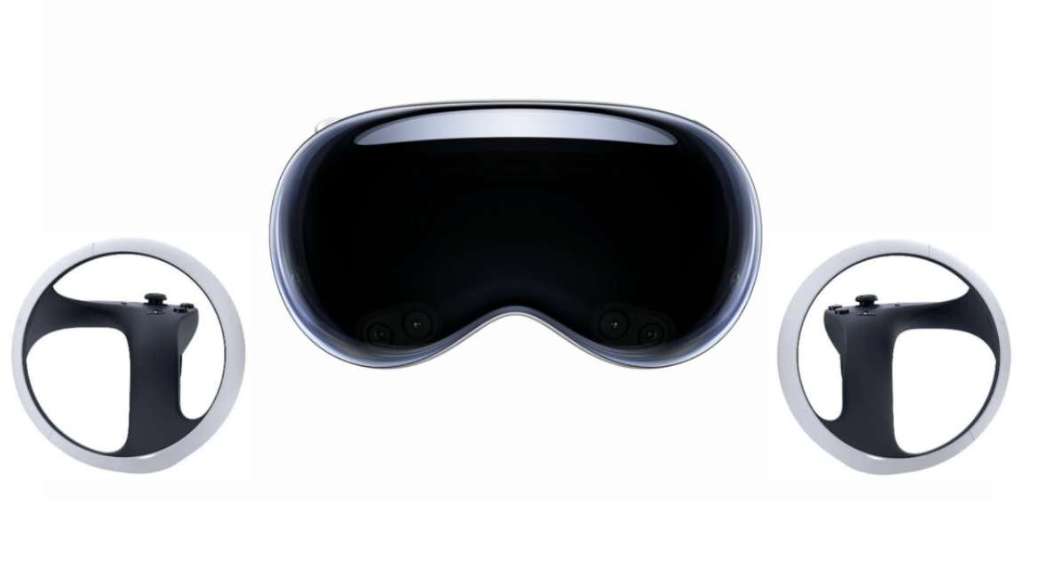
Meta Quest 3 and 3S now have relatively reasonable perspective quality, but manually entering passwords is still cumbersome. Therefore, Update 36.2 has added a password import function to easily import all passwords from another browser into the official browser.
One simple way to transfer passwords from a computer or smartphone to Meta Quest is to use WhatsApp on both devices. First, export the passwords from the original browser as a CSV document. Then, send the file to yourself through WhatsApp on your smartphone or personal computer. Download the document from Horizon OS version of WhatsApp and import it into the Quest browser.
The main contents of Update 36.2 include: merging the "depth" and "plane" permissions into a single "space" permission in WebXR, automatically installing the PDF reader extension for users to access PDF files on the web by default, allowing importing passwords from other browsers through the "Passwords" section in the settings page, managing site permissions for all sites in a new page accessible through the "Settings > Privacy and Security > Website Permissions" section, the ability to share screens with others during video calls, and improvements in video rendering, especially for encrypted media.